- Apr 09, 2025
SpiceJet is among the most affordable Indian airlines, offering flights to more than 70 domestic and international destinations. The airlines have enabled many budget travellers to reach their dream destinations on a low budget. Check-in is one of the essential steps to be completed, and here in this guide, you can learn everything about SpiceJet web check-in. So why are you waiting? Read through this page to easily learn how to complete check-in and make travelling smooth.
What is Web Check-in?
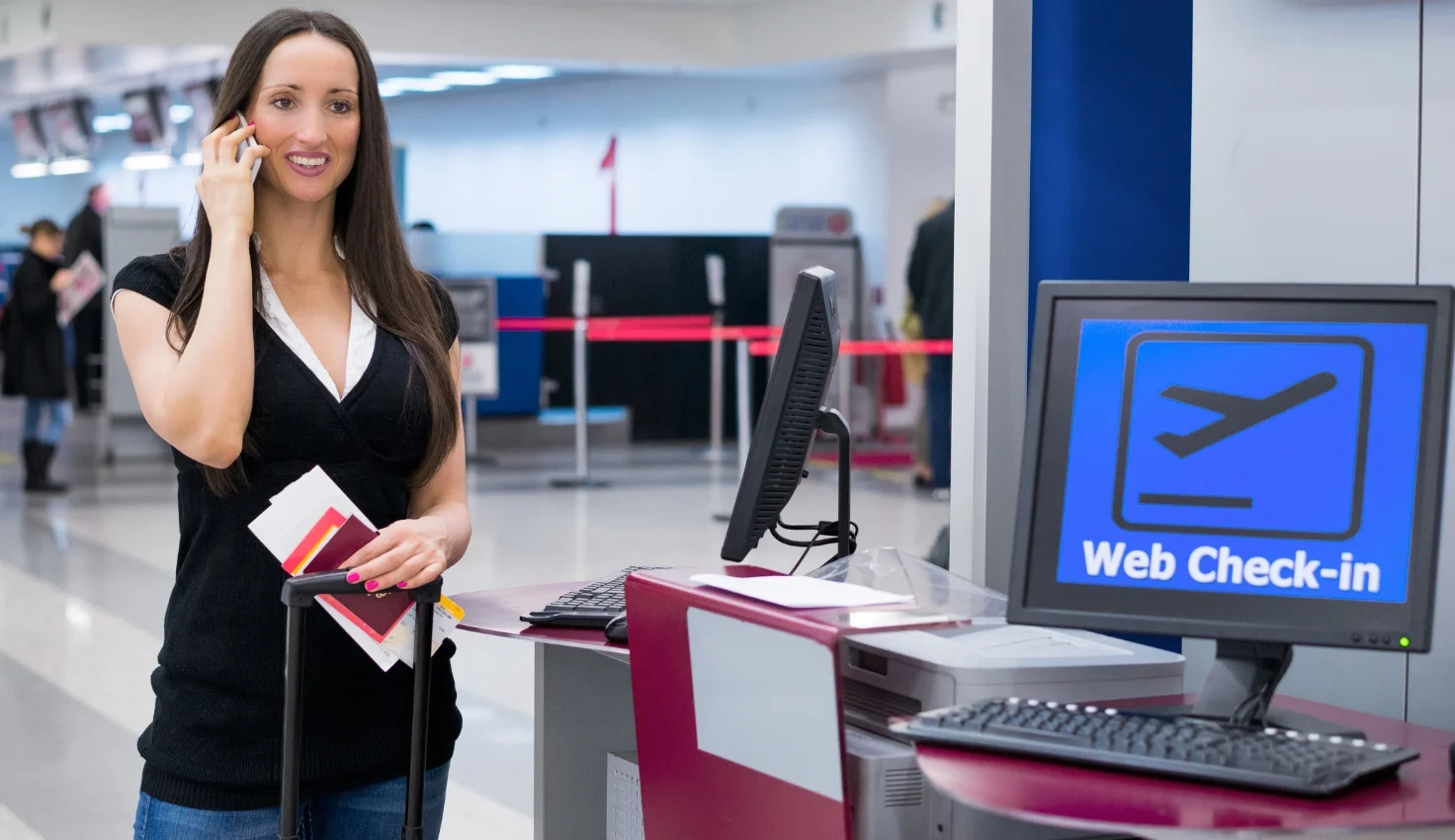
Web check-in is an online way to help you avoid the long queue at the airport and travel hassle-free by checking for your flight online. Normally, people go to the airport and check in for their flights by standing in queues at the counter, which can be very hectic. Web check-in enables them to complete the process in just a few clicks.
Benefits of SpiceJet Web Check-in
Web check-in has several benefits, including other ways to check in for flights. Let's explore the benefits of web check-in with SpiceJet and some important information for passengers using it.
- Quick Process: One of the coolest things about web check-in is how quick it is. You just need to follow a series of online steps, and you will receive your boarding passes within a minute.
- Seat Selection: When you check in online for your flights, you can select your preferred seat. You can access the SpiceJet seat selection by performing the check-in online.
- Better Convenience: It is also more convenient because you don't need to go anywhere; you can just sit and access web check-in on your mobile or PC.
Pro Tip: When you don't have any checked luggage, don't stop at the SpiceJet baggage drop or check-in counter; instead, go to security to save time if web check-in is done.
Web check-in timings for SpiceJet
For a passenger, completing the check-in within the deadline is important for a smooth travelling experience. Travellers flying domestically or internationally have different SpiceJet web check-in times. If you are wondering, find the timings below this line.
- Domestic SpiceJet flights: When you are travelling on a domestic SpiceJet flight, you must check in up to 60 minutes before departure.
- International Spicejet flights: When your flight is international, you must check in between 48 hours and 75 minutes before scheduled take off.
Step-by-step process: How to do SpiceJet Web Check-in
Let's try to learn the step-by-step SpiceJet web check-in process in easy-to-understand language. Kindly make sure you have all the relevant documents with you so that, in times of need, you can use them without wasting time.
- Reach out to the SpiceJet official site or open its mobile application.
- You will see a check-in tab on the main screen.
- As you click it, a new page opens that asks for your flight credentials.
- Enter your credentials so the system can retrieve your flight details.
- You can easily follow the on-screen prompts shown to you.
- Select your seat, baggage, and other details.
- Lastly, finish the process and get the generated boarding pass for your flight.
How to get your boarding pass after Web Check-in
Once you have completed the web check-in process, you will automatically receive the boarding pass for your flight. The SpiceJet boarding pass can also be downloaded manually by going through the same process again. Since check-in can't be made twice, as you enter your information on the check-in page, the system will fetch the details and check whether a previous check-in has been made. If it finds that your check-in has been made, it will show your boarding pass, which you can download as many times as possible. This helps if you forget or lose your boarding pass at the airport.
Baggage Guidelines for Web Check-in passengers
Travellers seeking to book with SpiceJet Airlines need information on baggage allowances and guidelines for web check-in. Here are the major rules on baggage carriage for both domestic and international flights at web check-in. Contact the SpiceJet reservation team if you need to learn about the policy.
- On domestic flights, one is eligible to check up to 15 kg of baggage for free, with a total dimension of not more than 158 cm. On the other hand, international flights have baggage allowances of up to 20 kg, depending on the route.
- Apart from the free baggage allowance, baggage weight can exceed but should not be more than 32 kg.
- Web check-in allows you to add or check your baggage for national and international trips.
- If there is a connecting flight with another airline, baggage may be checked at the layover airport in accordance with that airline's baggage rules.
- One piece of checked luggage is allowed, but this can be increased by paying excess baggage fees.
- Special baggage, such as sports equipment, golf bags, large musical instruments, bicycles, and more, may not be checked via web check-in. You must check them at the airport.
- Per passenger, you can carry one cabin bag plus one personal item, each weighing up to 7 kg and measuring up to 115 cm in size.
- The charges for excess baggage will apply at the rate of INR 600 per kg or on a slab basis. Remember, baggage fees can vary depending on how much the bag exceeds the weight limit, the number of passengers, the fare, and the route.
Modifying or Cancelling after Web Check-in
SpiceJet offers flexibility to its travellers even after web check-in. Since domestic flights can be checked in after booking, you can make sudden plan changes and modify your itinerary on SpiceJet Airlines. Whether it is a domestic or international flight, you can easily make modifications to your flight booking by visiting the manage my booking page on spicejet.com
However, cancelling a ticket after the web check-in sometimes concerns people. Cancellation on SpiceJet is allowed before the web check-in closing hours, but once the boarding pass is generated, your flight ticket may not be cancelled or refunded. Sometimes, flights may be cancelled by SpiceJet due to operational failures, delays, or other unavoidable circumstances; in such cases, they offer travellers two options: either a full refund or alternative flight accommodations.
Common Web Check-in issues and how to solve them
Here are some of the most common SpiceJet Airlines web check-in issues you might face.
- Sometimes, people may face network or internet issues during web check-in. Try to fix the network or internet issues, and try again.
- Those who have included infants, unaccompanied minors, or special assistants in their itinerary are not allowed for web check-in.
- People might not find their boarding passes in their email inboxes. They should check their spam folder.
- Some people try to check in before the opening hours. Beware of the SpiceJet online check-in timings for domestic and international flights.
- People may face issues when performing a web check-in for the first time. For guidance, seek assistance from an airline expert or ask any frequent flyer.
Tips for Hassle-free Web Check-in
You must not want to encounter any issues while performing your web check-in. However, disruptions can cause stress and a bad experience, so you need some tips. Here are some of the best tips for fixing SpiceJet check-in errors. Read and use them to have a smooth web check-in process.
- When you do web check-in, sit back and relax with a smooth, high-speed internet connection.
- Carry all your travel and identification documents during a web check-in.
- Be quick when checking in online and selecting seats, as the best seats fill up fast.
- If you made a reservation online, check in for your flight online and carry a printed copy of your e-boarding pass.
- Check for your luggage as well so that you can save time at the airport.
Conclusion
Check-in is an important step that each traveller must complete. The quickest way to check in for a flight is through SpiceJet Airlines Web check-in, and this guide explains everything you need to know, including its timings, processes, and more. You have also found some important tips to keep in mind for hassle-free web check-in. If you have any questions about web check-in, you must contact the SpiceJet help page or the customer service department, online or offline.
Frequently Asked Questions
1. Is web check-in mandatory for SpiceJet flights?
A: Yes, web check-in is mandatory for SpiceJet flights so that the airline can know who is going to board the flight, and they can make unnecessary arrangements accordingly.
2. Can I use the web check-in for group bookings?
A: No, web check-in is not available for group bookings because the maximum number of passengers that can book at once via web check-in is nine, and group bookings consist of more than nine passengers. You must go to the airport check-in counter for that.
3. Can I change my seat after web check-in?
A: Yes, you can change your seat even if you have completed web check-in. Go to the web check-in page and select your seat.
4. What if I forget to carry a printed boarding pass?
A: Suppose you forget to bring a printed boarding pass at the airport. Then, the counter staff will not allow you to board. You need a physical copy of it. Ask the agent for a SpiceJet web check-in boarding pass download option, and they will get it for you.
5. What happens if I miss web check-in?
A: You may be denied boarding, your ticket may get cancelled, and fare values are retained.
6. Is web check-in available for international flights?
A: Yes. Web check-in is also available for international SpiceJet flights, making it convenient for passengers.
7. Can I check baggage after web check-in?
A: Yes, if you have completed your check-in for the flight and forgot to check your baggage, you can do so later, 60 minutes before departure. Kindly go to Manage My Booking, select a flight, and make check-in changes.
8. How early can I do SpiceJet web check-in?
A: You can perform online check-in for SpiceJet flights as soon as you book a ticket.
9. How does web check-in work for unaccompanied minors?
A: Unfortunately, keeping the technicalities and concerns in mind, SpiceJet has restricted web check-in for unaccompanied minors.
10. What if I miss the web check-in deadline?
A: In cases where you miss the web check-in deadline, you may be denied boarding and cannot get a refund for the fare.
11. Can I cancel my flight after web check-in?
A: Yes, you may be allowed to cancel your SpiceJet flight if you have completed your flight check-in.
12. Is SpiceJet's web check-in free?
A: Yes, web check-in is free, but if you need any assistance in SpiceJet flight check-in through Reservations, then there will be a facilitation fee of INR 200 per passenger.
13. What documents are needed for baggage drop after web check-in?
A: After web check-in, travellers must typically present a boarding pass and proof of identification for baggage drop at the airport.
14. What is the time window for SpiceJet web check-in?
A: The time window for SpiceJet web check-in is typically up to 60 minutes before the scheduled departure from when the ticket is booked.
15. How do I get a window seat for free?
A: You can get a free window seat by selecting it during flight check-in. But you must be quick and aware of the SpiceJet check-in deadline and opening hours.
16. Can I check in using the SpiceJet mobile app?
A: Yes. Anyone who is using the SpiceJet mobile app is able to web check in through the app.
Contact us